Computers
 Wireless/Data
 TV/Monitor
 Projection
 Video
Video Audio
Audio Cameras
 AV Presentation
 PRINTERS/COPIERS
 TECH ACCESSORIES
 BRANDS WE CARRY
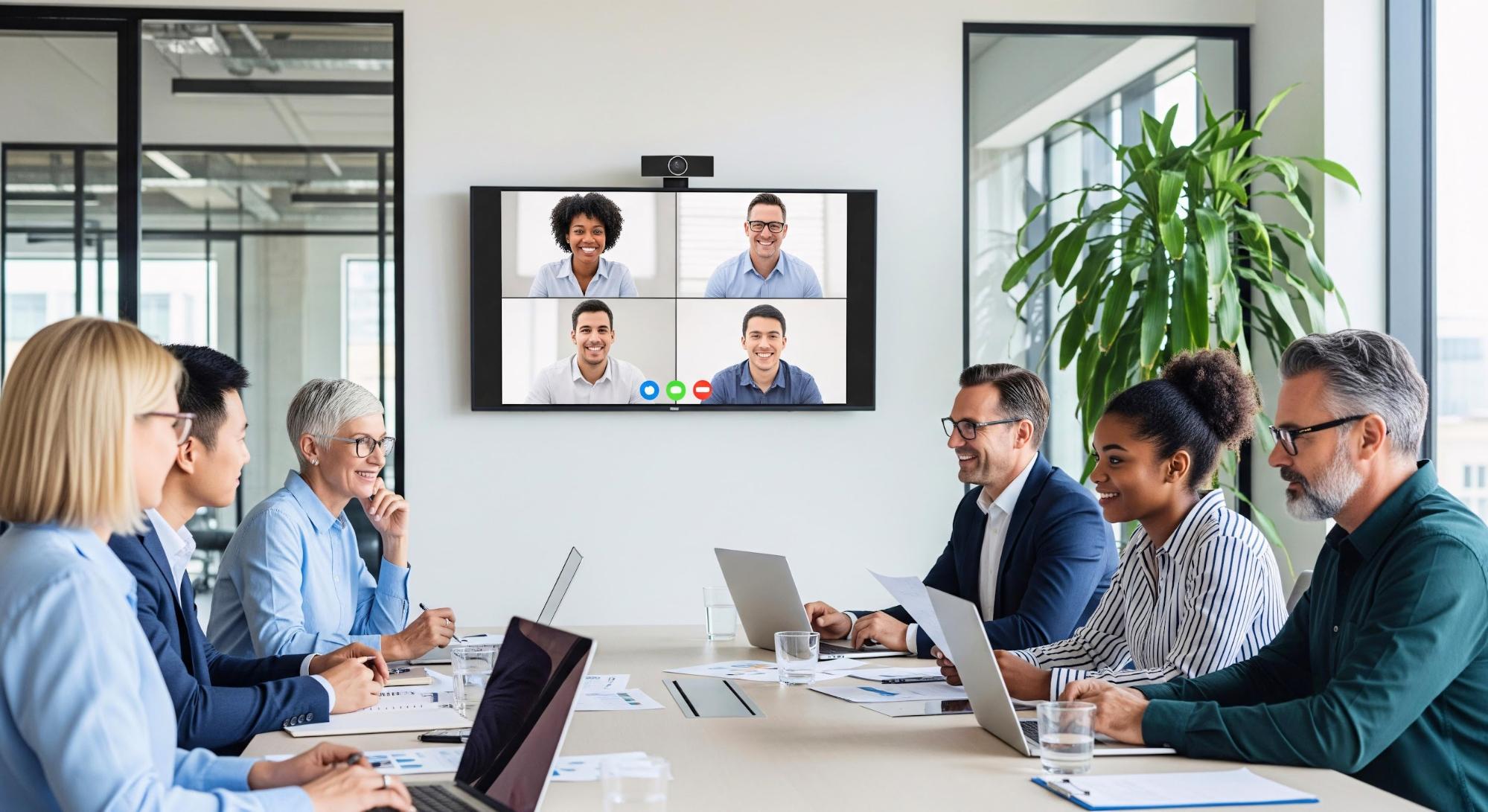
Audiovisual equipment is a fundamental part of any successful event, from conferences and corporate meetings to trade shows and private functions. When AV systems operate smoothly, they enhance the experience without drawing attention to themselves. However, even a minor technical issue can disrupt presentations, frustrate attendees, and undermine the professionalism of your event.
Many Boston event organizers unknowingly make avoidable mistakes when renting AV equipment. These errors can range from selecting the wrong devices to miscalculating the technical requirements for different rooms or sessions. Understanding these common pitfalls is key to preventing problems and ensuring that every component of your event runs seamlessly.
In this blog, we will outline the seven most frequent audiovisual equipment rental mistakes and provide practical guidance on how to avoid them. By anticipating these challenges, organizers can deliver polished, engaging events that leave a lasting impression on their audiences.
At OneStop Computer & Audio Visual Rentals, we provide Boston event organizers with high-quality projectors, monitors, computers, audio systems, and all the technical accessories you need to deliver seamless presentations and engaging experiences. Whether you are planning a trade show, corporate conference, or training session, we make it simple to secure the equipment that fits your event’s size, format, and technical requirements.
Don’t leave your event’s success to chance. Call us today at 1-800-782-1706 or request a quote online to reserve the AV equipment your Boston event deserves. With OneStop AV, you get reliable, professional-grade technology to keep your audience focused and your presentations running without a hitch.
👉Also Read: 8 Ways LED TV and Monitor Rentals Transform Boston Trade Show Booths
Mistake #1: Booking Audiovisual Equipment Too Late
Boston’s busiest event seasons, from spring graduations to fall conferences, often create a high demand for audiovisual rentals. Waiting until the last minute can mean limited options for projectors, monitors, and essential AV accessories, while experienced technicians may already be booked for other events.
Late bookings also carry a financial impact. Rush fees, higher rental costs, and overtime labor can quickly inflate your budget. To avoid these challenges, secure your AV equipment as soon as your venue and schedule are confirmed, typically 3–6 months in advance for mid-size events and 6–12 months ahead for multi-day conferences.
Partnering with a reliable rental provider like OneStop AV ensures access to a wide selection of high-quality equipment, from 4K displays and projectors to laptops, presentation gear, and computer rentals. Early planning with a trusted AV partner not only guarantees the right equipment but also provides peace of mind, letting you focus on delivering a seamless and professional event experience.
Mistake #2: Choosing the Wrong Equipment for the Venue Size and Layout
Boston venues range from breakout rooms to large convention ballrooms, and each space requires equipment scaled appropriately for visibility and sound coverage. Underpowered projectors in brightly lit rooms can make presentations difficult to read, while audio systems that do not match the room size may create dead zones where attendees struggle to hear speakers clearly.
Factors such as ceiling height, room depth, structural columns, ambient lighting, and audience seating arrangements all influence equipment selection. Larger venues often require higher-lumen projectors, larger display screens, or additional speakers to maintain consistent viewing and listening experiences throughout the space.
Evaluating venue specifications early allows event organizers and production teams to select the right audiovisual equipment for the environment, helping ensure clear communication and a professional presentation experience.
👉Also Read: Should You Rent Mac or PC Laptops for Your Boston Conference?
Mistake #3: Assuming the Venue’s Built-In AV System Is Enough
Many Boston hotels advertise built-in audiovisual systems, but these setups are typically designed for basic meetings rather than larger presentations or technically demanding events. Common limitations may include older projectors, a limited number of wireless microphones, or the absence of backup equipment if technical issues arise.
Before relying on in-house AV, request detailed equipment specifications from the venue and compare them with your event requirements. Product launches, hybrid sessions, or general presentations that involve recording or advanced visual displays often require higher-performance equipment than venues provide by default.
Working with an external AV service provider allows organizers to access newer technology and equipment solutions tailored to the specific needs of the event, helping ensure consistent performance and a more professional attendee experience.
Mistake #4: Underestimating the Importance of Sound Quality
Poor audio quality is one of the fastest ways to lose audience attention at any event. When attendees struggle to hear speakers clearly, engagement drops quickly, regardless of how strong the presentation content may be. Common issues include insufficient microphones, improper placement, or speakers that are not suited to the size and layout of the room.
Different event formats require different audio solutions. Lavalier microphones (Shure ULX-D) work well for presenters who move around the stage, handheld microphones support audience Q&A sessions, and distributed speaker systems help maintain consistent sound coverage in larger or longer rooms.
Planning audio equipment carefully ensures that every attendee can clearly hear presentations from any seating area. Selecting the right microphones, speakers, and supporting equipment in advance helps create a professional and seamless event experience.
Mistake #5: Failing to Incorporate Engaging Visual Elements in General Sessions or Trade Shows
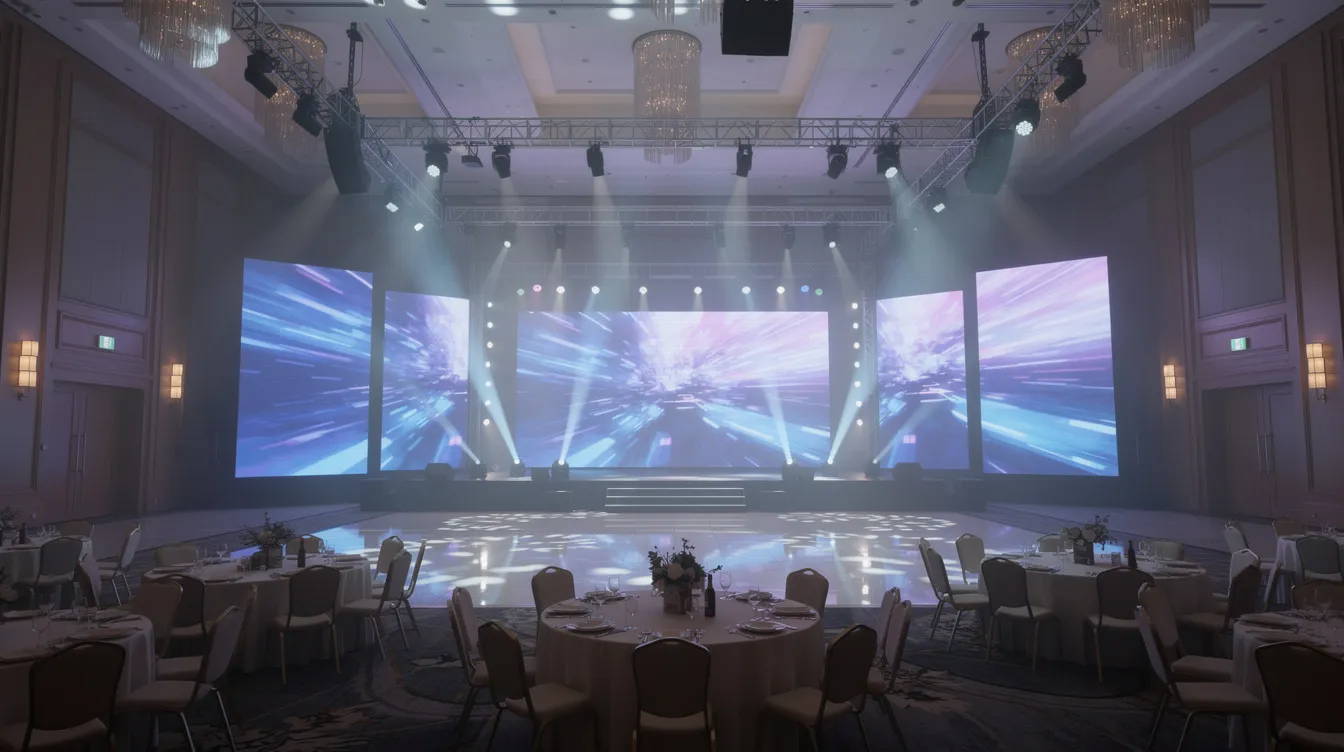
Events that depend solely on speeches without supporting visuals risk losing audience attention quickly. Incorporating high-quality visual elements, such as presentations, videos, LED screens, and digital graphics, helps maintain engagement and reinforces key messages.
Proper audiovisual equipment ensures that these visuals are bright, clear, and properly formatted, allowing attendees to focus on the content without distraction.
👉Also Read: Why LED Monitors and Projectors Are a Smart Choice for Trade Shows and Exhibitions in Boston
Mistake #6: Poor Communication with the AV Rental Provider
Even with top-tier equipment, miscommunication can derail an event. Unclear instructions about schedules, presentation formats, or equipment needs often create last-minute technical problems. Changes made without notifying the AV team can disrupt setup and testing, delaying your event and impacting attendee experience.
To avoid these issues, share a detailed run-of-show that includes load-in times, session agendas, speaker counts, and any special cues. Designate a single point of contact to coordinate all AV communication and schedule regular check-ins leading up to the event. For hybrid events, clear instructions are particularly critical to ensure smooth streaming, internet connectivity, and flawless integration of projectors, monitors, and audio equipment. Early and consistent communication guarantees that your AV setup aligns seamlessly with your event’s goals, allowing your team to focus on content delivery rather than technical troubleshooting.
Mistake #7: Trying to Cut Costs by Skimping on AV Equipment
It might seem like a smart way to save money, but reducing spending on audio, visual, or computer equipment can seriously undercut the professionalism of your event. Weak audio, dim lighting, or inadequate screens leave your audience struggling to follow presentations and diminish the impact of your message.
Smarter approaches include prioritizing key equipment quality over quantity, such as using a single high-quality projector or monitor instead of several underpowered screens, or investing in reliable microphones rather than cutting corners. Transparent budgeting and consulting with your AV provider can help identify cost-effective solutions that don’t compromise audience experience.
At OneStop AV, we offer a wide range of reliable equipment, from MacBook Pro and gaming laptop rentals to top-brand audio and display solutions, ensuring your event runs smoothly while staying within budget.
👉Also Read: Managing Multi-Week Laptop Rentals in Boston: What Event Production Companies Should Know
Practical Tips for Avoiding AV Rental Mistakes in Boston
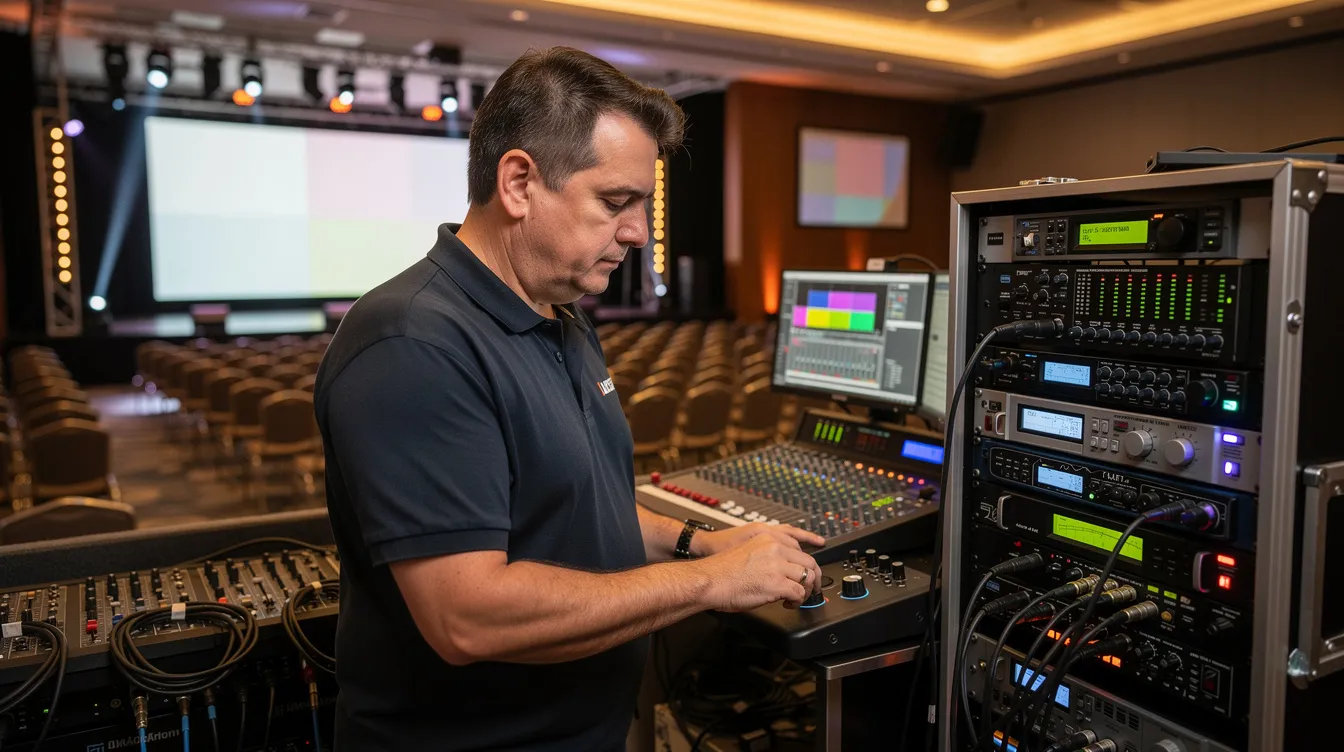
- Partner with experienced AV rental companies near Boston to ensure smooth operations.
- Conduct thorough venue walkthroughs to check power access, rigging points, lighting, and room acoustics.
- Plan equipment needs early and create detailed checklists covering microphones, speakers, laptops, computers, and lighting.
- Schedule on-site testing or rehearsals to verify that presentations, videos, and all AV equipment perform as expected.
- Prepare backup equipment, including spare microphones, extra cables, and contingency plans for power or connectivity issues.
👉Also Read: Key Questions to Ask Before Renting a Sound System for Your Boston Event
Ensure Your Boston Event Runs Flawlessly with Trusted Partner – OneStop Computer & Audio Visual Rentals
Avoiding common audiovisual mistakes is the first step toward hosting a professional, engaging event—but having the right equipment on hand makes all the difference. OneStop AV provides Boston event organizers with a comprehensive selection of high-quality laptops, MacBook Pros, gaming laptops, monitors, audio systems, and projector rentals to meet every presentation need.
From trade shows and conferences to corporate meetings and training sessions, we help businesses deliver polished, seamless experiences that impress attendees. With nationwide delivery and reliable customer support, you can trust OneStop AV to provide the equipment your event requires, on time and within budget.
Contact OneStop AV today at 1-800-782-1706 or request a quote online to secure your audiovisual rentals and ensure your next Boston event is executed flawlessly.
Frequently Asked Questions
What information does my Boston audio visual rental provider need to give an accurate rental quote?
To receive an accurate quote, provide your audio visual rental provider with the following details:
- Event dates and venue information, including room names
- Expected attendee count and seating layout
- Event format (keynotes, panels, breakout sessions, tradeshows, workshops)
- Sample agendas, floorplans, and types of content (PowerPoint, videos, live demos)
- Budget range, so providers can tailor equipment recommendations
Being thorough and upfront ensures your provider can prepare the right equipment and support for a seamless event.
Can I mix the venue’s in-house AV with an external AV rental company?
Mixing systems is often feasible, such as using house speakers while bringing in external microphones. To avoid compatibility issues:
- Ensure your external provider coordinates directly with the venue’s technical team
- Designate one provider as the lead technical contact to manage setup and troubleshooting
- Confirm that cables, signal types, and equipment standards align
Proper coordination prevents confusion and ensures smooth operation during the event.
What are the most essential AV items I should never skip for a professional event?
Key items to include for a professional experience:
- Adequately sized sound systems and speakers for your room
- Sufficient microphones for all speakers, plus spares
- High-quality projectors, screens, or displays scaled to the room size
- Basic stage lighting for visibility and focus
These essentials are critical for conferences, trade shows, and corporate events where a flawless presentation is expected.