Computers
 Wireless/Data
 TV/Monitor
 Projection
 Video
Video Audio
Audio Cameras
 AV Presentation
 PRINTERS/COPIERS
 TECH ACCESSORIES
 BRANDS WE CARRY
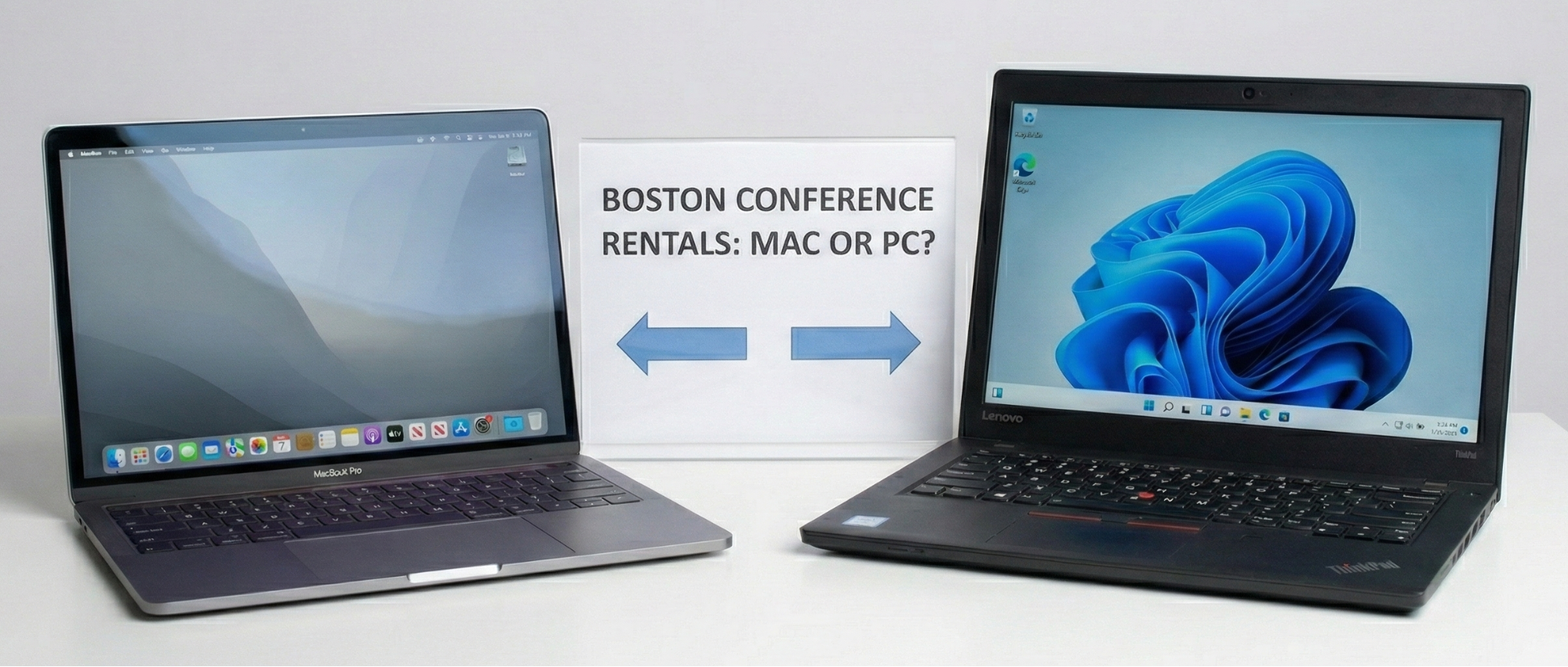
Boston hosts hundreds of conferences, trade shows, and corporate events each year, making seamless technology setup a top priority for organizers. Choosing the right laptops for registration desks, breakout sessions, speaker-ready rooms, and live demonstrations can have a major impact on the efficiency and success of your event.
Deciding between MacBook Pros, Windows laptops, or a combination of both is a challenge that many event planners face. Each option has unique strengths depending on your software requirements, user preferences, and the type of activities planned. Standardizing on rental laptops eliminates common compatibility issues and ensures your event technology performs reliably from day one.
At OneStop Computer & Audio Visual Rentals, we provide both Mac and PC laptops for long-term and short-term rentals, backed by nationwide delivery and 24/7 technical support during the weekly or monthly rental period. With over 1,000 laptops in our fleet and the latest high-performance models available, we help Boston businesses run large-scale conferences, training sessions, and live demonstrations without the stress of device management. Contact OneStop AV today at 1-800-782-1706 or submit a quote request online to reserve your computer and audiovisual rentals for your upcoming event.
In this guide, we’ll break down the benefits of Mac and PC rentals, highlight factors to consider for your Boston event, and help you make the right technology choice to keep your conference running smoothly.
👉Also Read: Key Questions to Ask Before Renting a Sound System for Your Boston Event
Why Laptop Rentals Matter for Boston Conferences
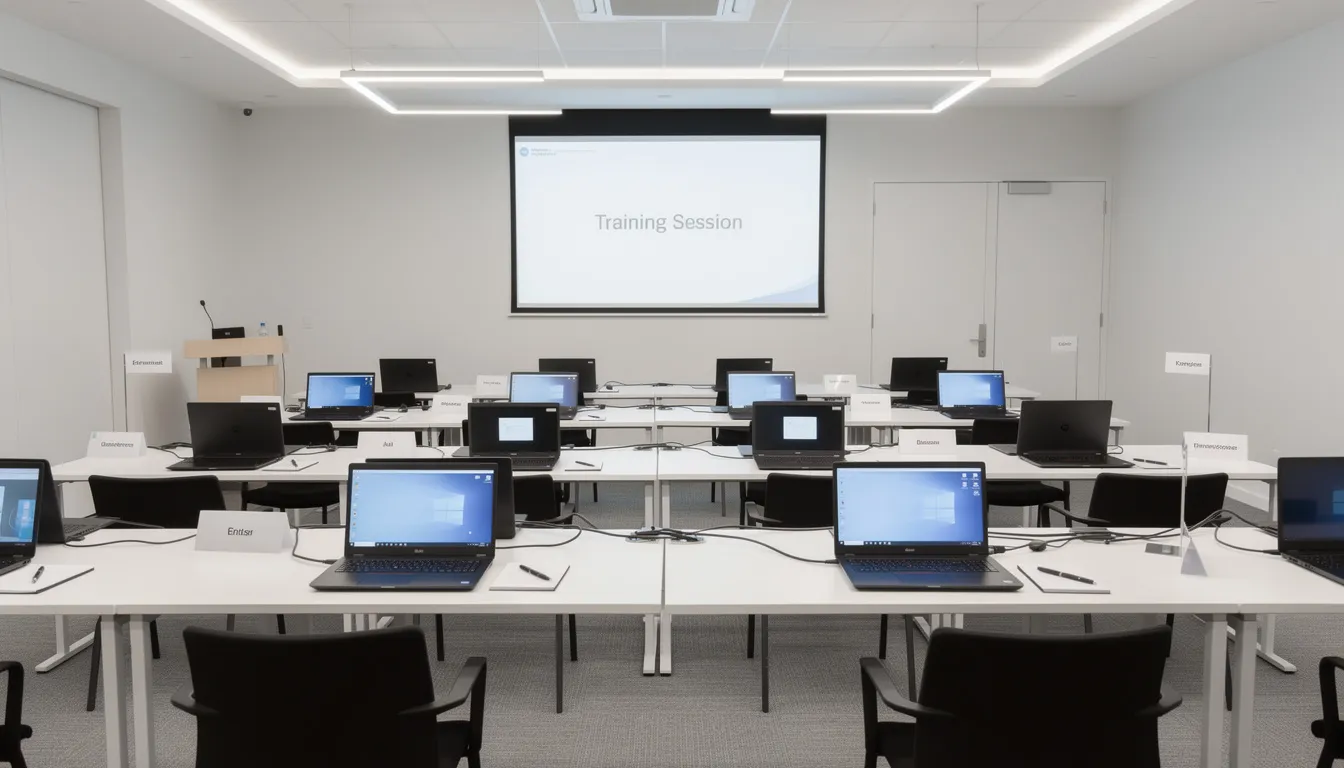
The quality of your rental laptops directly influences presenter confidence, attendee engagement, and overall event flow. When technology performs reliably, sessions start on time, demonstrations run smoothly, and participants stay focused on the content rather than technical disruptions.
In high-stakes conference environments, performance is not optional. Your laptops must provide:
- Fast boot times to prevent delays between sessions
- Stable WiFi connectivity for full-day use
- Reliable hardware capable of supporting multiple breakout rooms
- Sufficient memory and processing power for presentations, video playback, and live demonstrations
For conferences requiring 50 to 200 laptops over several days, renting is significantly more cost-effective than purchasing new devices or shipping corporate equipment nationwide. Businesses avoid rapid depreciation, reduce transit risks, and eliminate the administrative burden of coordinating device returns.
Standardized rental fleets also enhance the attendee experience. Consistent configurations, preloaded software, and uniform login credentials minimize confusion. This is especially critical for training programs, certification testing, and software demonstrations where efficiency and focus are essential. Registration teams also operate more efficiently when working from identical, properly configured systems.
From a logistical standpoint, laptops can be delivered directly to major Boston venues before your event. Devices arrive pre-configured to your specifications, allowing your team to concentrate on programming, speakers, and attendee engagement rather than IT concerns.
Key Factors to Consider Before Choosing Mac or PC
There is no universal answer for every Boston conference. Before finalizing your Mac and PC quantities, evaluate the operational factors that directly impact performance, compatibility, and cost.
Audience Demographics and Technical Familiarity
Align the platform with what your attendees use daily.
- Developer conferences, creative summits, and startup events often favor Mac environments.
- Corporate training, financial services meetings, and association events typically require Windows systems.
Choosing the platform your audience already knows reduces onboarding time and minimizes support requests. Requiring users to switch operating systems during a live event can slow productivity and increase technical interruptions.
Software Requirements
Some applications are operating system-specific. Confirm compatibility before making a decision.
| Mac-Only Software | Windows-Only or Windows-Preferred |
|---|---|
| Final Cut Pro | Many legacy CRM systems |
| Logic Pro | AutoCAD (full version) |
| Keynote (native) | Industry-specific enterprise tools |
| Xcode | QuickBooks Enterprise |
| Motion | Certain VPN clients |
Core conference applications such as Microsoft 365, Zoom, Teams, Slack, and browser-based platforms operate on both systems. Even so, testing your exact workflow in advance prevents last-minute issues. Custom or proprietary software should be verified with your IT team well before the event date.
Presentation and AV Integration Needs
Most Boston venues rely on HDMI and USB-C connections for projectors and LED displays.
- Windows laptops often include native HDMI ports.
- Mac laptops with HDMI or USB-C or Thunderbolt may require adapters.
All configurations should be tested in advance with the actual projection or LED equipment that will be used on-site. Coordination with the venue or contracted AV team is essential to avoid compatibility issues during live sessions.
Security and IT Management
Enterprise events often require defined security protocols.
Consider:
- Domain-joined Windows devices
- Antivirus and encryption requirements
- Mobile Device Management for Macs
- Group policy restrictions
You should also determine how users will access devices:
- Shared conference logins
- Individual temporary accounts
- Restricted guest accounts with limited permissions
Pre-configured, properly imaged rental fleets help ensure compliance from the moment devices arrive at the venue.
Laptop Rental Pricing and Total Cost of Ownership
MacBook Pro rentals generally cost more than midrange business-class PCs for multi-day events. The premium may be justified if your audience expects macOS or your software requires it.
When evaluating cost, include:
- Base rental rates depend on duration
- Required software, adapters and peripherals
- Delivery logistics within Boston
- Technical coverage during the rental period
- Post-event equipment handling and pack-out timing
A clear assessment of these factors ensures you select the right platform based on operational needs rather than preference alone.
👉Also Read: Managing Multi-Week Laptop Rentals in Boston: What Event Production Companies Should Know
Macs for Conference Use
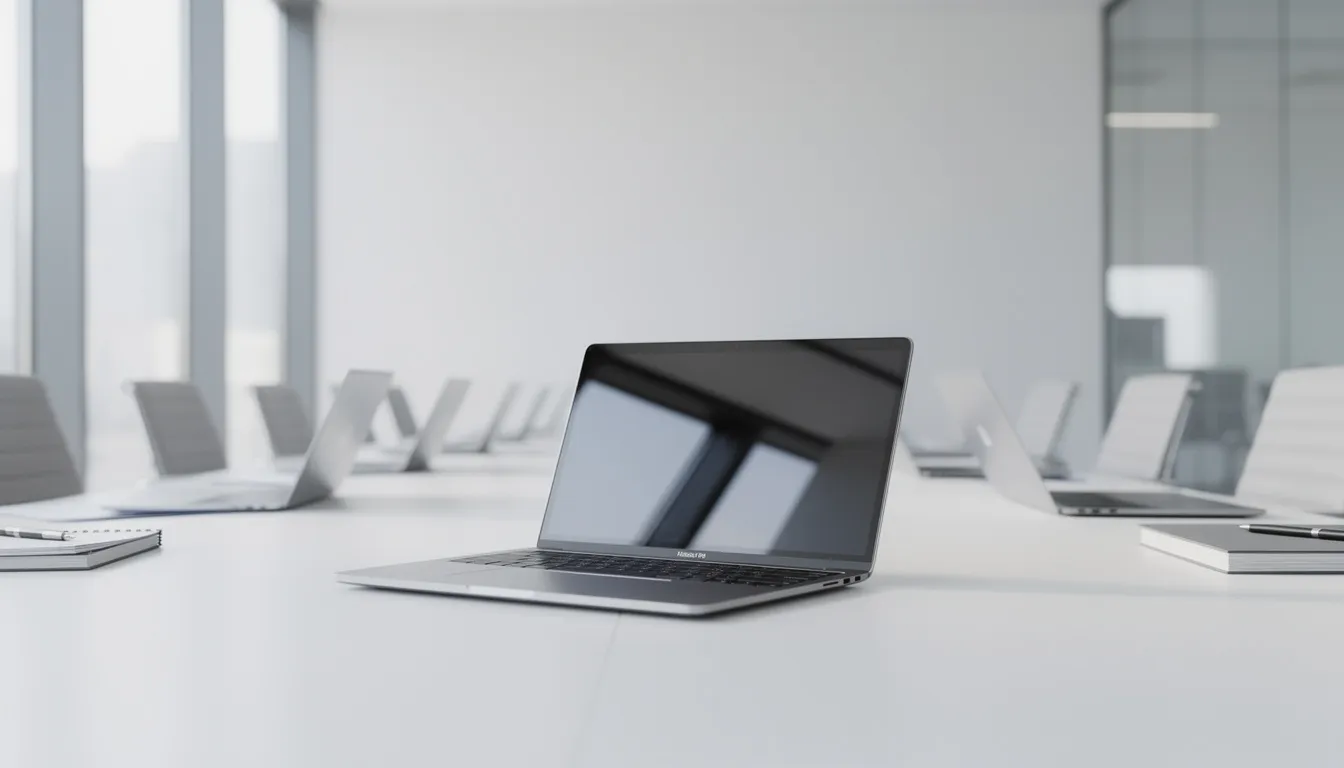
Recent M1, M2, M3, and M4 MacBook Pro and MacBook Air models have positioned Apple laptops as high-performance, stable systems widely favored by creative professionals and developers who attend Boston conferences.
Apple Ecosystem and Performance
Modern MacBooks are well-suited for full-day conference environments due to:
- Up to 20 plus hours of battery life on select models
- High-resolution Retina displays with strong color accuracy
- Quiet, thermally efficient performance under sustained workloads
- Significant multi-core processing gains with Apple Silicon M-series chips
These features make Macs particularly effective in environments where visual quality, and processing power are essential.
Strengths for Creative and Media-Focused Events
Mac systems are often preferred at film festivals, design conferences, marketing summits, and product launches where creative software performance is critical.
They integrate seamlessly with:
- Adobe Creative Cloud
- Final Cut Pro
- Logic Pro
- Xcode for iOS development sessions
- High-resolution video playback and editing workflows like Playback Pro & Mitti
For media-heavy presentations, animation, and live editing demonstrations, Apple machines deliver strong rendering performance and consistent playback stability.
Integration with Apple Software and Peripherals
Macs integrate efficiently with Keynote, iCloud, AirDrop, and AirPlay. This is particularly useful in breakout rooms or executive boardroom settings where quick wireless screen sharing is required.
When presenters build their decks in Keynote or rely on macOS-specific fonts and media handling, using Mac rentals avoids formatting conflicts and file conversion issues.
Limitations in Business and Enterprise Environments
While Macs perform exceptionally in creative settings, they may present challenges in certain enterprise environments:
- Some Windows-only VPN tools do not offer macOS equivalents
- Proprietary finance, engineering, or legacy enterprise applications may not support macOS
- Corporate IT policies may prioritize Windows-based device management frameworks
- Users unfamiliar with macOS navigation and keyboard shortcuts may require additional guidance during structured training sessions
Careful review of software and compliance requirements is essential before committing to a Mac-only fleet.
Apple Inventory Available Through OneStop AV
At OneStop AV, we offer a full range of Apple devices for conferences, training sessions, and high-performance production setups, including:
- MacBook Pro(M2 Pro, Retina, Intel 6-core and 8-core)
- Mac Studio (M3 Ultra)
- iMac (24-inch M4)
- Mac Mini (M4)
- iPad (9th Generation, 6th Generation)
- Mitti Video Cue software
With this lineup, OneStop AV can support creative summits, developer conferences, executive meetings, and media-driven events across Boston and nationwide.
PCs for Conference Use
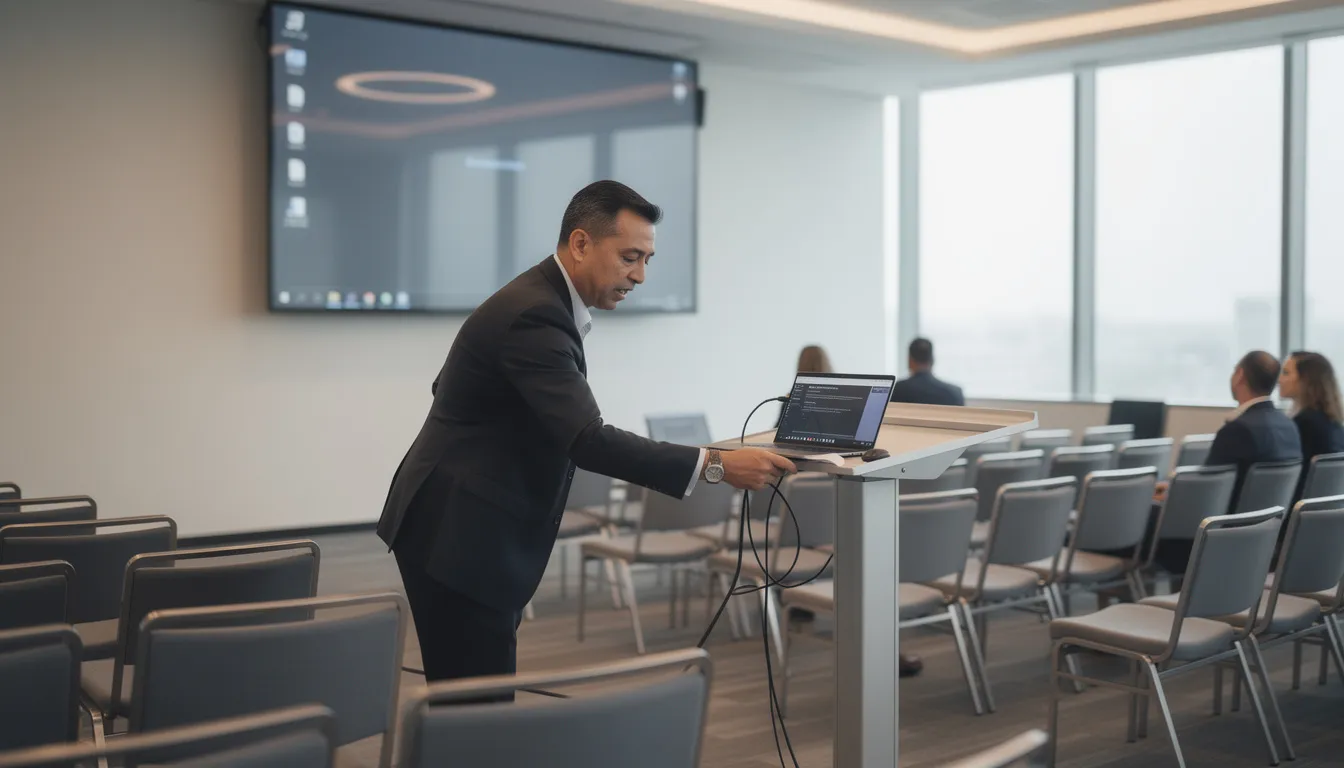
Windows laptops remain the standard choice for many corporate and association conferences in Boston due to broad software compatibility, enterprise integration, and lower per-unit rental costs.
Diverse Hardware Options
PCs offer flexibility across brands like Lenovo:
- Budget-friendly 15.6” Core i5 or i7 laptops for training labs and basic sessions
- Midrange business laptops for general conference use
- High-performance workstations with dedicated GPUs for engineering or data visualization
- Gaming-caliber laptops for software demos or specialized events
- Tablets and convertible devices for interactive demonstrations
Software Compatibility
Most enterprise, financial, and industry-specific applications are built primarily for Windows, including:
- Statistical and analytical software
- Legacy corporate applications
- Custom workflows and configurations
- Compliance and regulatory tools
- Proprietary systems used across industries
Enterprise Advantages
Windows devices integrate easily with Active Directory, group policies, and standard corporate images. This consistency reduces training time, technical support needs, and configuration errors during conferences.
Configuration and Peripheral Support
PCs can be tailored with multiple screen sizes, GPU options, and ports (HDMI, Ethernet, USB-A), eliminating adapter dependencies. Local accounts can be preconfigured for labs, registration kiosks, and speaker check-in stations.
Most polling devices, barcode scanners, printers, and POS systems are optimized for Windows, ensuring smooth integration for on-site printing, badge production, or retail transactions.
👉Also Read: Why LED Monitors and Projectors Are a Smart Choice for Trade Shows and Exhibitions in Boston
PC Inventory Available Through OneStop AV
OneStop AV offers a wide range of Windows laptops for conferences, training sessions, and enterprise events, including:
- Lenovo Thinkpad E16 Gen 3
- Lenovo ThinkPad E15
- Lenovo ThinkPad E15 G2
- Lenovo ThinkPad E580
- Lenovo ThinkPad E590
- Razer Blade 15
This selection ensures reliable performance and compatibility for large-scale Boston events and nationwide rentals.
Comparing Mac and PC for Conference Success
| Feature / Factor | Mac | PC |
|---|---|---|
| Audience Preference | Creative, developer, and design-focused attendees | Corporate, financial, and enterprise-focused attendees |
| Software Compatibility | Ideal for Adobe Creative Cloud, Final Cut Pro, Logic Pro, Xcode, Keynote | Best for enterprise apps, legacy software, statistical tools, macros, POS systems |
| Performance | Excellent multi-core performance, long battery life, high-resolution Retina displays | Wide range from budget to high-performance workstations; flexible configurations, dedicated GPUs available |
| AV & Peripheral Integration | May require adapters; works seamlessly with Apple ecosystem (AirPlay, AirDrop) | Native HDMI, Ethernet, USB-A ports; easier integration with printers, barcode scanners, POS devices |
| Enterprise Integration | Limited support for Active Directory; IT policies may require adaptation | Easily integrates with Active Directory, group policies, and standard Windows images |
| Cost | Higher rental rates for MacBook Pro and M-series devices | Generally lower per-unit rental costs; scalable for large fleets |
| Best Use Cases | Creative workshops, design summits, iOS developer conferences, media-heavy presentations | Financial training, certification exams, large-scale corporate events, multi-room sales kickoffs, trade shows |
How Professional AV and Laptop Rental Services Simplify the Decision
Partnering with a Boston-based AV and IT rental provider like OneStop AV reduces risk and ensures smooth execution through expert guidance, pre-tested equipment, and responsive support throughout your event.
Logistics Support
Professional rental teams manage:
- Delivery to Boston venues
- Room-labeled cases for efficient distribution
- Power and charging management so laptops arrive fully charged
- Staging near event locations for quick access
- Same-day or Next-day delivery for urgent requests
Consultation and Customized Inventory
Provide your agendas, room counts, and software requirements, and your rental partner recommends Macs, PCs, or a mix for each session. This includes determining:
- The number of laptops per room
- Models that meet memory and processing needs
- Timeline feasibility for delivery
Handling Last-Minute Changes
Local providers maintain large inventory reserves. If registrations increase or additional sessions are added, extra laptops can often be delivered same day or overnight, providing essential flexibility for evolving events.
👉Also Read: Top Essential AV Equipment Rentals for Successful Virtual Events in Boston in 2025
Checklist for Choosing Between Mac and PC Rentals
Use this checklist to finalize laptop specifications and counts for your Boston conference.
Event Goals and Format
- Is the event primarily training, certification, or software demonstration?
- Are sessions creative/design-focused or data/operations-focused?
- Will attendees interact with devices or mainly watch presentations?
- Will laptops need to maintain a charge for long sessions?
Attendee Profile
- What industries do attendees represent?
- Which devices do they use daily (Mac vs. Windows)?
- How comfortable are they with switching platforms?
- Are there accessibility needs favoring a specific platform?
Required Software
- List all required applications
- Verify platform compatibility for each application
- Test presentation tools, conferencing apps, browsers, and specialized software
- Confirm if custom configurations are needed
Venue AV Infrastructure
- Check available inputs (HDMI, SDI, Etc.)
- Determine if adapters are required for the chosen platforms
- Verify in-house AV experience with both Mac and PC sources
- Schedule pre-event testing with the rental partner
Budget Considerations
- Set a clear per-laptop or overall technology budget
- Decide between fewer high-end Macs or a larger pool of economical PCs
- Include accessories, support, delivery, and setup costs
- Compare daily, weekly, or multi-day rental rates
Support and Backup
- Confirm tech support coverage and hours
- Specify spare units per room or floor
- Arrange backup laptops for presentations and registration
- Document escalation procedures for major issues
Data Security and Post-Event Handling
- Ensure devices are securely wiped after return by provider
- Request compliance documentation
- Specify encryption or access control requirements during the event
- Confirm rental process follows security protocols
👉Also Read: Monitor and TV Rental in Boston: Expert AV Solutions by OneStop Computer & Audio Visual Rentals
Secure Your Boston Conference Technology with OneStop AV
Ensure your Boston conference runs flawlessly with OneStop Computer & Audio Visual Rentals. Whether you need high-performance MacBooks for creative sessions, reliable Windows laptops for corporate training, or top-quality audiovisual equipment, we provide worry-free rentals tailored to your event’s needs.
Our large inventory, flexible rental periods (daily, weekly, monthly), and nationwide shipping, including Boston, Providence, New York, Philadelphia, and Washington, DC, ensure your technology arrives on time and fully configured. With 24/7 customer support, multi-point equipment inspections, and competitive laptop rental pricing, OneStop AV takes the stress out of managing your devices. Call 1-800-782-1706 or request a quote online today to secure laptops and audiovisual rentals that make your Boston conference seamless and successful.
Frequently Asked Questions
Can I mix Mac and PC rentals at the same Boston conference?
Yes. Many conferences use a hybrid approach, with Macs for creative sessions or keynote presenters and PCs for training labs, registration, and breakout rooms. Assign a primary platform per room or track to simplify setup and support. Coordinate with your AV rental partner to ensure adapters, system images, and staff are ready for both macOS and Windows. With proper planning, mixed fleets meet diverse attendee needs reliably.
How many laptop computers should I rent for a Boston conference?
The number of laptops depends on your event format, room setup, and attendee needs. For training sessions, breakout labs, or certification exams, plan for one laptop per participant. For general sessions, registration, or presenter use, fewer units may suffice. Always include a few extra devices to cover last-minute additions, technical issues, or staff use. Your AV rental partner can help calculate the optimal quantity based on room layouts, session schedules, and software requirements.
How far in advance should I book laptop or computer rentals for a Boston event?
For large events (50–300 laptops), book 4–8 weeks in advance, especially during peak months like May–June and September–October. Smaller meetings or last-minute sessions can often be accommodated with a few days’ notice, though options may be limited. Early reservations allow adjustments as registration numbers finalize.
What information does a rental partner need to quote MacBook Pro or PC laptops?
Provide: event dates, venue, expected laptop quantity, platform preference (Mac, PC, or mix), and intended users (attendees, presenters, staff). Include software requirements, OS versions, security protocols, floorplans, room schedules, and AV contact info. This ensures accurate configuration, delivery, and support.
How is data kept secure on rented laptops during and after the event?
Devices arrive pre-configured with limited user privileges, encryption, and any required USB or app restrictions. After the event, all laptops undergo secure data wipes that remove files, cached logins, browser histories, and temporary data. Providers can supply documentation to meet compliance or security requirements.