Computers
 Wireless/Data
 TV/Monitor
 Projection
 Video
Video Audio
Audio Cameras
 AV Presentation
 PRINTERS/COPIERS
 TECH ACCESSORIES
 BRANDS WE CARRY
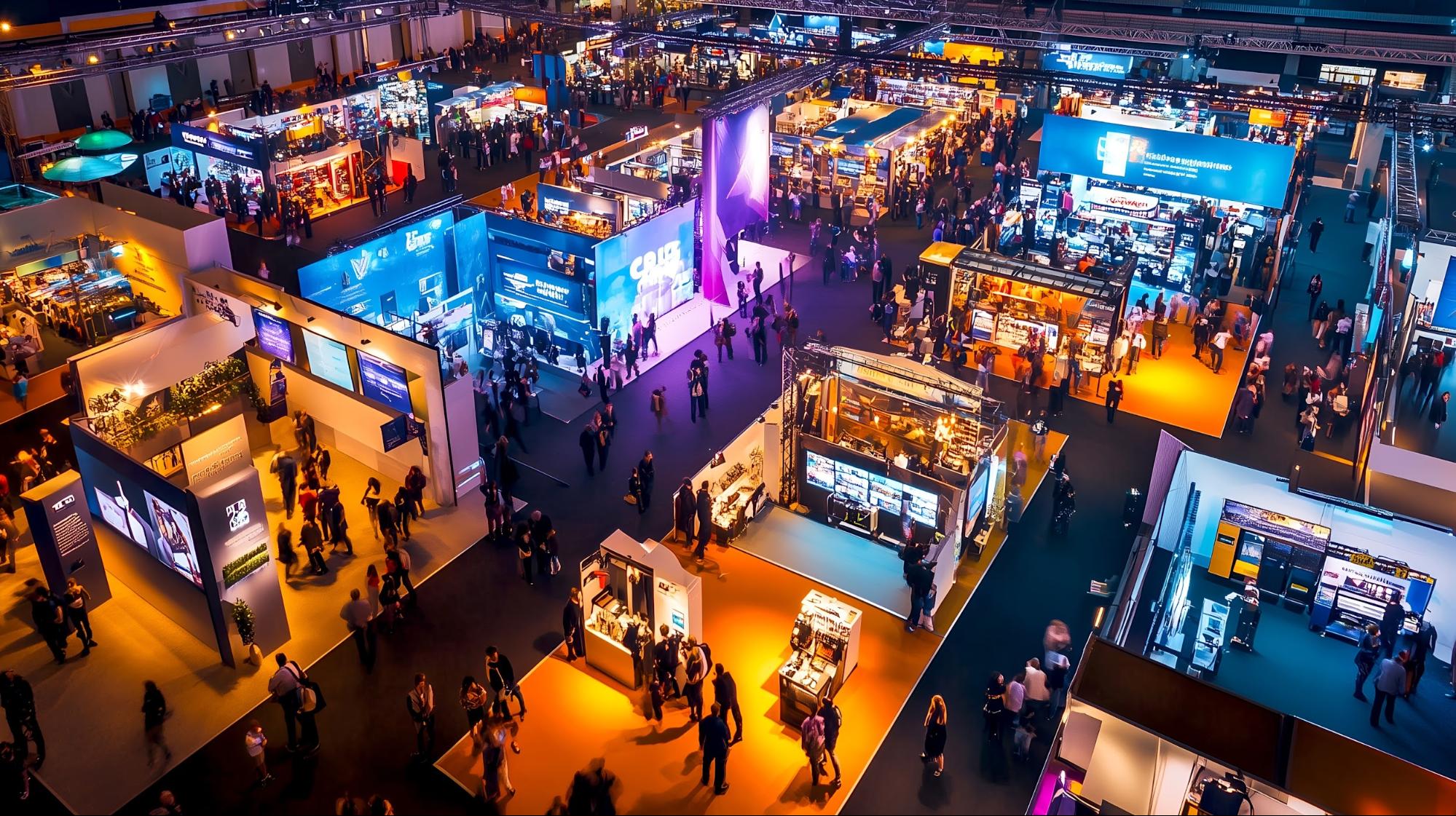
Trade shows are fast-paced environments where exhibitors have just a few seconds to capture attendee attention. Visitors glance at a booth, make a snap judgment, and either stop or keep walking. For companies that exhibit only occasionally, investing in costly display equipment may not be practical.
LED TV and monitor rentals offer a smart solution. They are scalable, easy to set up, and fully rental-friendly, enabling exhibitors to create high-impact visuals without the commitment of ownership. In this article, we explore eight ways rented LED displays can elevate your trade show booth, helping you look professional, engage more attendees, and generate better leads.
Ready to transform your booth into an attention-grabbing powerhouse? OneStop Computer & Audio Visual Rentals‘ LED TV and monitor rentals are designed specifically for Boston exhibitors who demand impact without the investment. Whether you’re planning your first trade show or your fiftieth, our flexible rental solutions let you create the professional, high-impact displays that stop attendees in their tracks, and keep them engaged.
Discover the 8 ways rented displays can elevate your booth below. Then, when you’re ready to turn strategy into results, contact our team at 1-800-782-1706 for a free consultation. We’ll help you design the perfect visual setup for your next event.
👉Also Read: Key Questions to Ask Before Renting a Sound System for Your Boston Event
Why Digital Displays Are Essential at Boston Trade Shows
Exhibitors have only a few seconds to capture attendees’ attention, making first impressions critical. Over the last decade, the shift from static foam-board signs and printed banners to dynamic digital displays has been dramatic. What was once a luxury for large corporations is now expected across industries. Modern attendees anticipate video, animations, and real-time information, not just printed logos and text.
High-resolution LED TVs and commercial monitors naturally draw the eye and create a polished, professional brand presence. They deliver a consistent experience that mirrors a company’s website and social media, reinforcing credibility and recognition. Event organizers increasingly highlight exhibitors with strong digital visuals in social posts and recap videos, giving brands additional exposure beyond the exhibit floor.
Way 1: Increased Booth Visibility in Crowded Exhibit Halls
A 65”–85” 4K TV stands out far more than a standard pull-up banner, catching attention across busy exhibit halls. Brightness, contrast, and motion make LED and LCDs impossible to ignore under trade show lighting.
Screen placement is just as important. Elevating displays on floor stands, truss mounts, or back-wall mounts ensures sightlines over crowds, turning your booth into a visual anchor.
Visibility tips:
- Use a 55” display along the aisle to draw attendees toward your main area
- Position an 85” screen at the back wall as a centerpiece
- Place screens near high-traffic paths like entrances or food areas
- Use multiple smaller monitors to guide visitors into your space
Large-format TVs maintain visibility throughout multi-day events. Attendees who notice your booth early are more likely to return, especially if your visuals made a strong impression.
Way 2: Dynamic Content That Captures Attention
Motion naturally draws the eye. Videos, product animations, customer testimonials, and live demos engage attendees far more effectively than static graphics.
Rented LED TVs can loop content from a USB drive, laptop, or media player via HDMI. Setup is simple, and messaging can be updated overnight between show days without reprinting signage.
Content ideas by event type:
| Event Type | Content Ideas |
|---|---|
| Tech conferences | SaaS demos, feature highlight videos |
| Medical conferences | Procedure animations, before/after visuals |
| Consumer shows | Product reels, gameplay footage |
Enhance engagement with countdowns to demos, rotating testimonials, or social proof reels. The goal is to keep content fresh, relevant, and impossible to ignore.
👉Also Read: Managing Multi-Week Laptop Rentals in Boston: What Event Production Companies Should Know
Way 3: Professional and Polished Brand Presentation
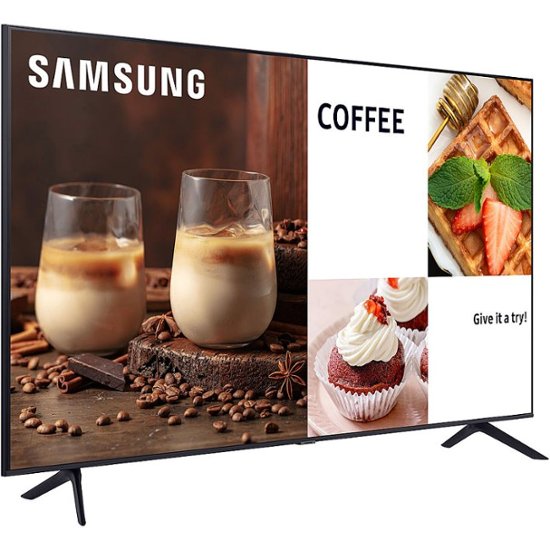
Compare two booths side by side: one with printed posters only, and another anchored by slim-bezel 4K commercial displays showing branded motion content. The difference in professionalism is immediate. Digital displays make startups appear as established as Fortune 500 companies.
Commercial-grade displays, such as Samsung 85″ BEC-H 4K UHD Commercial LED TV and 85″ BED-H 4K UHD Commercial LED TV series, offer narrow bezels and clean designs that integrate seamlessly with custom booth structures. They allow you to mirror your exact brand standards, fonts, colors, and imagery for a consistent experience across every touchpoint.
Ways to elevate brand presentation:
- Use consistent colors and motion backgrounds across all screens
- Run logo animations to reinforce visual identity
- Display product photography at full 4K resolution for maximum impact
- Synchronize two 55” TVs side-by-side to create a simple video-wall effect without investing in full LED walls
This professional presentation builds credibility, positions your company as modern and capable, and leaves a lasting impression on attendees.
Way 4: Flexible Display Options for Any Booth Size
Not every exhibitor operates from a large island booth. Many use 10×10 or 10×20 inline spaces that require careful display planning. The advantage of TV and monitor rentals is that they scale to fit virtually any booth configuration.
Screen size recommendations by booth type:
| Booth Size | Recommended Screen Size | Best Mounting Option |
|---|---|---|
| 10×10 inline | 43”–55” | Single floor stand or wall mount |
| 10×20 inline | 55”–75” | Dual floor stands or back wall mount |
| 10×20 peninsula | 65”–85” | Multiple stands for dual-direction viewing |
| 20×20 island | 75”–85”+ | Island stands, kiosk setups |
Mounting flexibility matters. Island booths benefit from floor stands positioned for maximum visibility, while wall-mounted displays work well on hard-wall setups. Smaller corners or inline spaces can use kiosk-style configurations that integrate seamlessly with the booth design.
For multi-city events, the same rental inventory can be reconfigured by adjusting stand height or orientation to suit each venue’s layout, ensuring consistent impact without additional equipment purchases.
Way 5: Cost-Effective Alternative to Purchasing Displays
Purchasing three commercial-grade 75” 4K displays can cost $8,000–$20,000 upfront or can exceed $20,000 for premium commercial-grade models along with necessary accessories. Renting the same screens for a 3–4 day show costs only a fraction, making it a smart option for companies that exhibit periodically.
LED TV Monitor rentals in Boston also eliminate hidden ownership costs:
- Storage: No need to warehouse large displays between events
- Insurance: Avoid year-round coverage expenses
- Maintenance: No firmware updates, cleaning, or repairs required
- Transport: Save on shipping and logistics coordination
- Depreciation: Avoid technology that quickly becomes outdated
Way 6: Easy Integration with Business Laptops and Media Players
Exhibitors need simplicity: plug in a MacBook, Windows laptop, or media player, and content appears instantly on the screen. Modern rental TVs support standard HDMI inputs and are compatible with most trade show laptops and playback devices.
Technical compatibility includes:
- Mac and Windows systems via HDMI
- USB-C to HDMI adapters (often supplied by rental providers)
- Media players for continuous looping without tying up a laptop
- USB drives for simple slideshow playback
Pre-testing content before the event reduces technical issues. Ensure laptops are set to the correct resolution for 4K displays, verify audio routing, and confirm video playback smoothness. For continuous use, dedicated media players or USB looping slideshows are more reliable than running full-screen video from a laptop. Touch screens add interactivity for demos and lead capture.
Way 7: Reliable Equipment Prepared for Event Use
Office TVs may seem economical, but consumer displays aren’t built for repeated transport, long hours, or trade show conditions. Professional rental displays are tested, cleaned, and shipped in protective road cases designed for frequent use. Stands, mounts, and cabling are matched to each screen, ensuring stability, safety, and compliance with venue rules.
Professional preparation includes:
- Pre-event testing and calibration
- Protective road cases for transport
- Complete cable kits and power accessories
- Stands rated for each screen’s weight and size
- Familiarity with venue requirements
Experienced AV teams handle move-in efficiently, reducing delays and ensuring equipment is ready for immediate use.
Way 8: Improved Attendee Engagement and Lead Generation
Digital displays keep attendees engaged, giving them compelling content while waiting or conversing with staff. Instead of awkward pauses, visitors absorb product demos, animations, and interactive experiences, spending more time in your booth.
Engagement strategies:
- Run live demos on a dedicated screen while staff handles questions
- Display explainer animations to answer common questions visually
- Use interactive touch screens for self-guided product tours
- Show QR codes linking to scheduling pages or downloadable resources
- Feature show-only promotions or discount codes to create urgency
Longer dwell times and clear visual explanations lead to higher-quality leads. Attendees who watch a demo are more informed and likely to convert. Memorable visuals also reinforce brand recall, helping your company stand out during post-show follow-ups.
👉Also Read: Why LED Monitors and Projectors Are a Smart Choice for Trade Shows and Exhibitions in Boston
How to Choose the Right LED TV Monitor Rentals for Maximum Trade Show Impact
Selecting the right displays is key to maximizing your booth’s impact. Start by matching screen sizes to your booth goals: large-format 75”–85” TVs work well as centerpieces, while smaller 43”–55” screens guide foot traffic along aisles or highlight secondary content. Consider how many attendees you want to reach, viewing distances, and the type of content you’ll show.
Venue power and space must also be accounted for. Check available outlets, circuit capacity, and floor space to avoid overcrowding or tripping hazards. Ensure that floor stands, wall mounts, or truss setups fit safely within your booth layout while maintaining clear sightlines.
Logistics planning is critical for a smooth experience. Schedule delivery, setup, and breakdown in coordination with show management, and allow time for pre-event testing of content, resolution, and audio. Planning prevents last-minute issues and keeps your team focused on attendee engagement.
Finally, work with an experienced, business-focused rental provider. A professional partner can recommend appropriate screen sizes, manage mounting and cabling, provide protective transport, and offer remote technical support. Their expertise ensures your displays perform reliably and your booth looks polished throughout the event.
Take Your Trade Show Booth to the Next Level with OneStop Computer & Audio Visual Rentals
Don’t let your booth blend into the background. OneStop AV provides commercial-grade LED TVs, gaming monitors, floor stands, and AV accessories designed to make your trade show presence stand out. With our reliable inventory, flexible rental terms, and nationwide delivery, your booth can look professional, engage attendees, and drive better leads, without the cost of purchasing equipment.
Get started today:
- Request a custom quote for your booth size, event dates, and content needs
- Choose from our wide range of displays, from 43″ monitors to 85″ 4K TVs
- Work with our team to create a rental plan that fits your event goals
Secure your displays now and ensure your next trade show booth leaves a lasting impression. Call 1-800-782-1706, email info@onestopav.com, or submit a quote online to reserve your LED TVs and monitors today.
Frequently Asked Questions
How far in advance should I book LED TV rentals for a Boston trade show?
Book 4 weeks in advance for major events to secure your preferred screen sizes and quantities. During peak spring and fall seasons, popular displays may sell out across concurrent shows. Last-minute rentals are sometimes possible but can limit size or mounting options. Early bookings also simplify logistics and freight coordination.
Can I use my own laptop and software with the rented TVs and monitors?
Yes. Most exhibitors connect a Mac or Windows laptop via HDMI to run PowerPoint, Keynote, web demos, or video loops. Ensure you have any required adapters (USB-C to HDMI, Mini DisplayPort) and test your content at the target resolution (1080p or 4K) before the event. Keeping backup content on a USB drive or media player is recommended in case of laptop issues.
What screen sizes work best for a 10×10 or 10×20 trade show booth?
- 10×10 inline booths: 43”–55” screens provide clear visibility without overwhelming the space.
- 10×20 or island booths: 65”–85” screens attract attention from across wider aisles. Discuss layout and traffic flow with your rental provider to optimize placement and maximize impact.