Computers
 Wireless/Data
 TV/Monitor
 Projection
 Video
 Audio
 Cameras
 AV Presentation
 Lighting
 PRINTERS/COPIERS
 TECH ACCESSORIES
 BRANDS WE CARRY

A smooth conference comes down to small moments: how long check-in takes, how easily attendees find the right room, and whether a poll or feedback form works the first time. At Boston conferences, organizers and production companies often handle those moments with a mix of printed materials, staff laptops and attendees’ personal phones. That mix gets harder to manage as headcount grows.
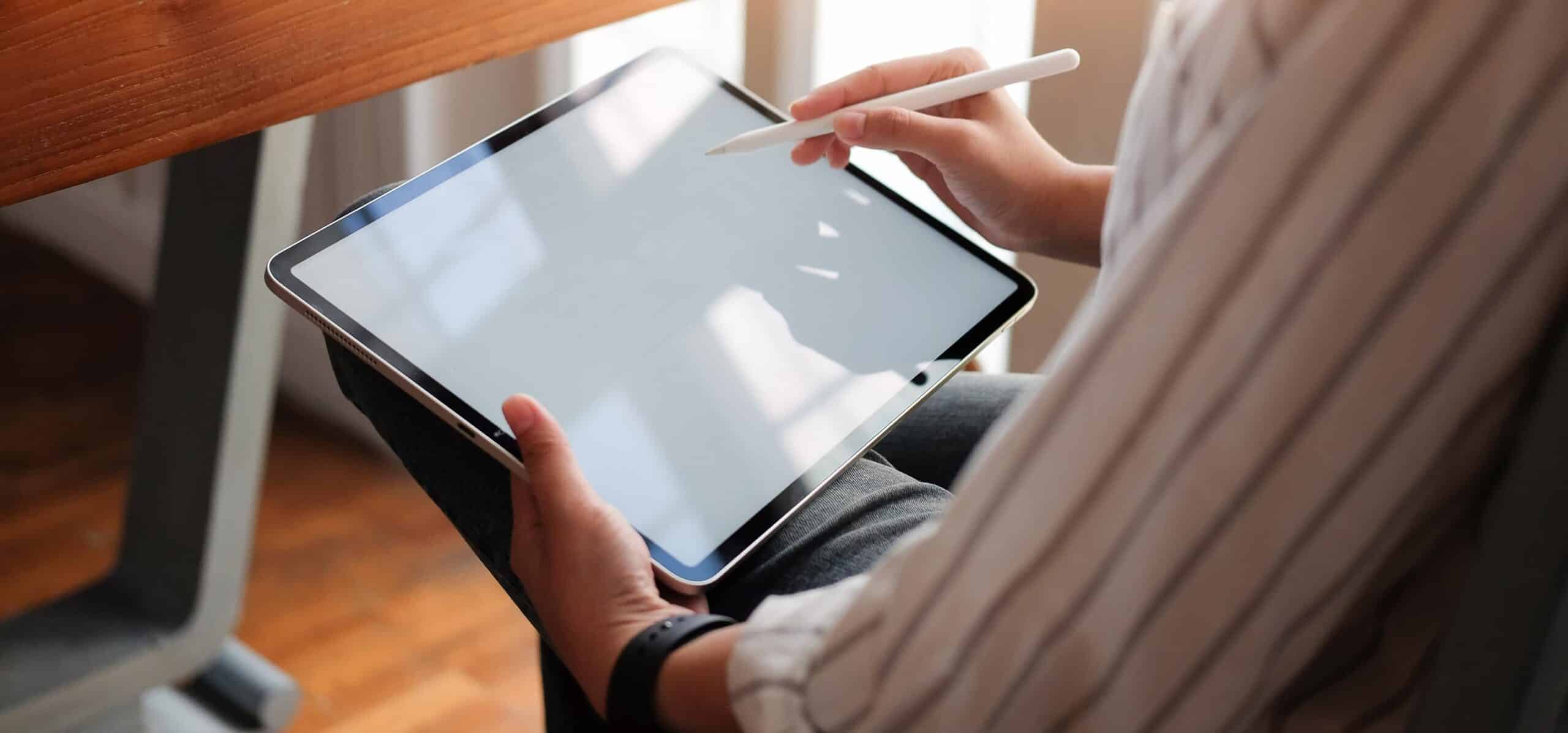
Rented iPads give organizers a practical way to put dedicated, consistent devices where attendees need them, such as registration desks, information kiosks, session rooms, and exhibitor areas, without buying hardware for a one-time event. Here are five ways iPad rentals can improve the attendee experience.
Equip Your Boston Conference with the Right AV Technology
At OneStop AV, we offer a wide range of AV equipment rentals to help conference organizers deliver seamless and engaging events. From iPads, laptops, and computers to microphones, sound systems, projectors, displays, and other presentation equipment, we provide technology solutions to meet your event requirements.
Whether you are organizing a small corporate meeting or a large-scale Boston conference, our team can help you find the right equipment to support attendee engagement and smooth event operations. Contact OneStop AV today at 1-800-782-1706 to discuss your requirements and find the right AV rental solutions for your next event.
👉Also Read: Why Are Boston Startups Choosing MacBook Rental for Project-Based Work?
How Can iPad Rentals Make Conference Check-In Faster and Easier?
Check-in is the first impression of your event, and long lines at the registration desk set the tone for the day. iPads can run the registration or check-in app your event already uses, so staff can look up attendees, scan a QR code or confirmation, and mark people as checked in without working from paper lists.
A few ways this helps:
- Shorter lines. More check-in stations mean fewer people waiting at each one. Renting makes it realistic to add stations for the morning rush.
- Less paperwork. Attendees can confirm details and pick up schedules digitally instead of filling out forms or holding printed packets.
- Quick access to resources. Once checked in, attendees can be pointed to the digital schedule, venue map or event app right away.
If your registration process includes printed badges, pair the iPads with a printer.
Large conferences benefit most from having enough devices on hand. Rental periods at OneStop AV typically run from one day to a week, which suits events that only need equipment for the days of the conference and the setup around it.
How Do iPads Give Attendees Easier Access to Conference Information?
At a busy conference, attendees constantly ask the same questions: Where is this session? When does the keynote start? Who is speaking next? iPads placed at kiosks or information points can put that information in one searchable place, such as an event app, a web-based agenda, or a PDF program.
Common content to make available:
- Event schedules and session information
- Speaker details
- Maps and venue information
- Conference materials and handouts
- Important announcements and schedule changes
The practical advantage is that digital content can be updated in one place. If a session moves rooms, you change it once instead of reprinting signage and programs. It also lets organizers cut back on printed materials while keeping information easy to reach.
For self-serve information points, OneStop AV rents an iPad 10.2″ kiosk floor stand. It’s a lockable, 39″ stand with an adjustable viewing angle that fits the 10.2″ iPad, so it pairs with the iPad 9th Gen, 10.2″. For tables and counters, the iPad desktop stand holds a tablet in portrait or landscape.
Can iPads Make Conference Sessions More Interactive?
Presentations work better when the audience can respond. iPads can support that through whatever polling or Q&A platform your presenters already use:
- Live polls
- Surveys
- Audience questions
- Feedback forms
- Interactive presentation tools
The benefit for presenters is real-time input they can use during the session, and structured feedback afterward. The benefit for attendees is a simple way to take part without having to speak up in a large room.
Most attendees carry their own phones, so rented iPads make the most sense when you want a controlled setup: shared devices at tables or workshop stations, feedback stations near the exits, or a backup option for attendees who don’t have a device handy. For longer typed responses, the OMOTON ultra-slim Bluetooth iPad keyboard is available as an accessory.
Interactive content still depends on the rest of the room working. Presenters need reliable laptops, and the audience needs to see and hear them, so plan tablets alongside displays, projection, and audio.
How Can iPads Improve Networking and Attendee Engagement?
Networking is where conferences deliver much of their value, and it’s also where attendees can feel lost in a crowd. Tablets can make connections easier in a few ways:
- Digital directories. Attendees can browse an exhibitor list, speaker list, or attendee directory in your event platform.
- Finding the right sessions and booths. A searchable agenda or exhibitor map helps people prioritize their time.
- Contact and lead forms. An iPad at a registration area, networking space, or exhibitor booth gives visitors a quick way to share contact details or request follow-up.
Placement matters. A tablet at the entrance to the exhibit hall or in a lounge area works because it’s there when someone needs it. The goal is convenience. If a device doesn’t help attendees find, register or connect faster, it doesn’t need to be on the floor.
Why Are iPad Rentals a Flexible Option for Conference Organizers?
Conferences usually need a lot of devices for a short time. Buying them means paying for storage, upkeep, and eventual replacement long after the event ends. Renting lets organizers match the quantity and model to the event and return the equipment when it’s over.
OneStop AV rents to businesses, including production companies and event producers, and focuses on equipment rentals for events like conferences, trade shows, and training programs. A few details that matter to organizers:
- Large inventory. OneStop AV can support large events, and if a specific item isn’t on the shelf, the team can often source it.
- Nationwide delivery. Equipment is delivered or shipped directly to the event.
- A range of iPad options. The current iPad lineup includes the iPad 11th Gen (A16, 11″, 128GB, Wi-Fi, with folio case), the iPad 9th Gen, 10.2″ (Wi-Fi, optional LTE), and the iPad 6th Gen, 9.7″.
Because rental choices are flexible, organizers can pick the device that fits the job: a newer model for registration and check-in, or a lower-cost model for simple kiosk displays.
What Should You Consider When Renting iPads for a Boston Conference?
A short checklist before you request a quote:
- Number of devices. Count check-in stations, kiosks, session rooms, exhibitor areas, and any attendee-facing stations. Add a few spares.
- Intended use. Check-in, information kiosk, polling, lead capture, and feedback each call for slightly different setups.
- Apps and software. Confirm which apps your event needs and who will install, log in, and configure them before the event.
- Wi-Fi and connectivity. Venue Wi-Fi can slow down when thousands of devices connect. The 11th Gen and 6th Gen iPads are Wi-Fi only, and the 9th Gen is listed with optional LTE, so ask about your connectivity options. OneStop AV also rents hotspots and routers, including the Inseego MiFi X Pro 5G hotspot.
- Accessories and charging. Decide on stands, keyboards, and cases, and plan where and how devices will charge during long event days.
- Rental duration. Include setup and teardown days, not just the days attendees are on site.
- Delivery logistics. Confirm delivery dates, venue receiving rules, and return shipping well ahead of the event.
- Other equipment. Think about whether you also need computers, displays, projectors, audio or video gear.
That last point is where a single rental partner helps. Beyond iPads, OneStop AV rents laptops, TVs and monitors, projectors and screens, audio equipment, video equipment and accessories, so you can request everything for a conference in one quote.
👉Also Read: How Can Audiovisual Equipment Rental Make Your Boston Product Launch Unforgettable?
Create a More Convenient Conference Experience With iPad Rentals
Rented iPads can help conference organizers in five practical ways:
- Faster check-in
- Easier access to information
- More interactive sessions
- Better networking and engagement
- Flexible technology without a long-term purchase
The right technology won’t fix a poorly planned event, but it can remove friction from the moments attendees notice most. If you’re planning a business conference in Boston and need iPads, laptops, or other computer and AV equipment, OneStop AV can help.
Request a quote or call OneStop AV at 1-800-782-1706 to get started on your next conference.
Frequently Asked Questions
Does OneStop AV rent iPads to individuals?
No. OneStop AV rents to businesses only, including production companies and event producers. Rentals require a company credit card for payment and insurance.
How long can I rent iPads for conferences?
Most OneStop AV rentals are short-term, typically from one day to a week. If your event needs equipment for longer, include the dates when you request a quote.
How much does it cost to rent iPads?
Pricing depends on the model, the quantity, the rental dates, any accessories, and delivery. The fastest way to get exact numbers is to add the iPads and accessories you need to a quote request or call 1-800-782-1706.
Can you deliver iPads to my Boston venue?
OneStop AV is based just outside Boston, MA, and offers nationwide delivery, so equipment can ship to a Boston venue or to a conference anywhere else in the country. Share your venue address and event dates when you request a quote so delivery can be planned around your schedule.
What’s the difference between the iPad models available for rent?
The iPad 11th Gen has an 11″ display, the A16 chip, 128GB of storage, and comes with a folio case. The iPad 9th Gen has a 10.2″ display and 64GB of storage, and is listed with optional LTE. The iPad 6th Gen has a 9.7″ display, the A10 Fusion chip, and 32GB of storage, and is Wi-Fi only. Newer models suit app-heavy tasks like registration, while simpler uses like a display kiosk may not need the latest one.
Can the iPads be secured against theft at a kiosk or booth?
OneStop AV’s iPad 10.2″ kiosk floor stand has a key lock on the rear panel and fits the 10.2″ iPad, which helps keep a tablet in place at a high-traffic information point. Ask about securing options when you request your quote.
What other types of events use rented equipment from OneStop AV?
Beyond conferences, OneStop AV’s business customers rent equipment for trade shows, software training, and inventory management. If you have a different use in mind for iPads, call 1-800-782-1706 and ask.